
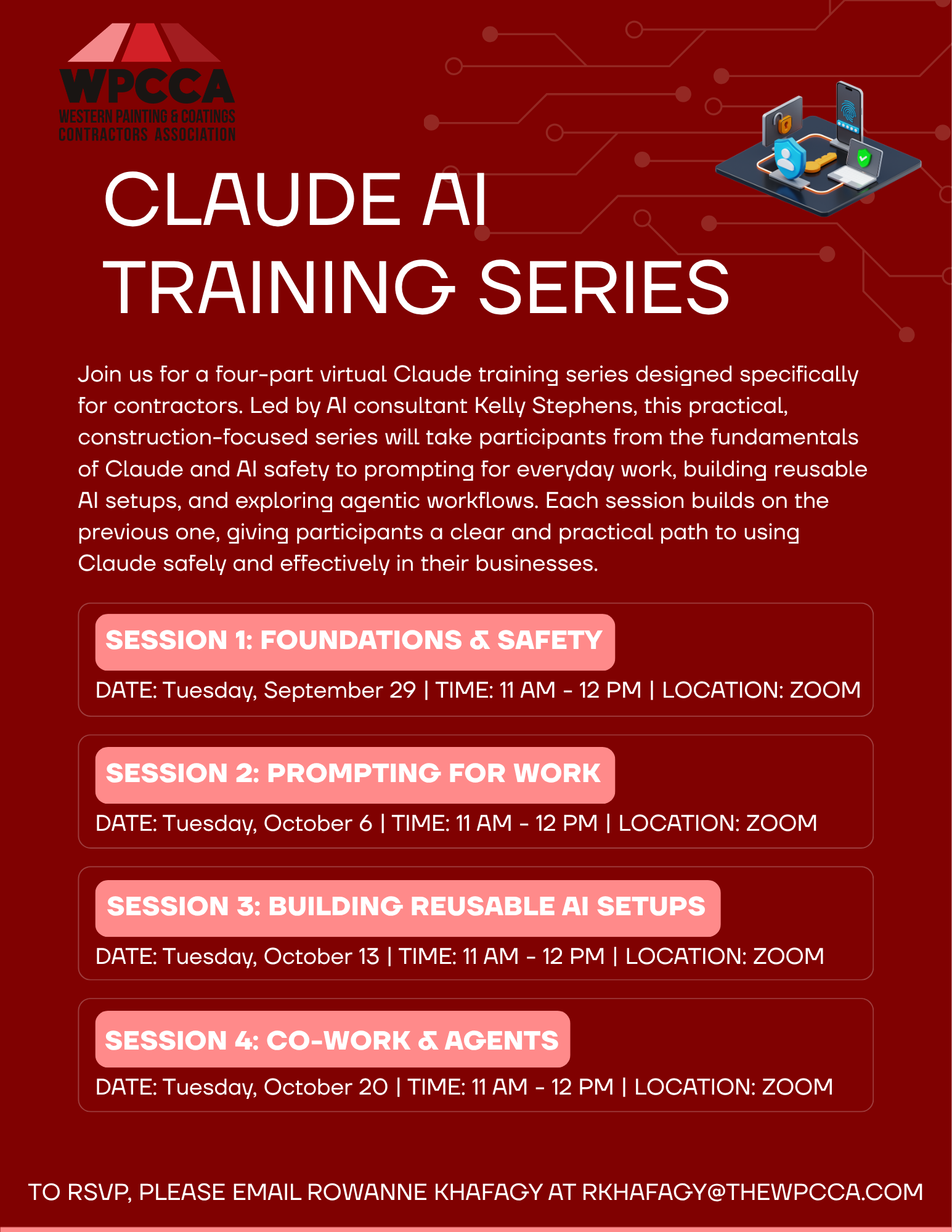
Join us for a four-part virtual Claude training series designed specifically for contractors. Led by AI consultant Kelly Stephens, this practical, construction-focused series will take participants from the fundamentals of Claude and AI safety to prompting for everyday work, building reusable AI setups, and exploring agentic workflows. Each session builds on the previous one, giving participants a clear and practical path to using Claude safely and effectively in their businesses.
Session 1: Foundations & Safety
Date: Tuesday, September 29 | Time: 11:00am- 12:00pm PT | Location: Zoom
Agenda:
- Introduction to Claude and the AI tools landscape, including web, desktop, and Chrome
- Understanding how Claude compares to ChatGPT and Microsoft Copilot
- Privacy, data settings, and AI security best practices
- Understanding model training and account settings
- Best practices for moving from personal to appropriate business accounts
- Using Claude to answer real-world work questions
- Live Q&A
Session 2: Prompting for Work
Date: Tuesday, October 6 | Time:11:00am- 12:00pm PT | Location: Zoom
Agenda:
- Working in Claude Chat and understanding how to get better results
- Developing a repeatable prompting structure
- Practical applications for estimating support and bid preparation
- Contract review and document analysis
- Bid and proposal writing
- Invoicing and collections language
- Drafting RFI responses
- Applying prompting techniques to particpants’ own documents and workflows
Session 3: Building Reusable AI Setups
Date: Tuesday, October 13 | Time: 11:00am- 12:00pm PT | Location: Zoom
Agenda:
- Introduction to Claude Projects and reusable skills
- Moving from one-time prompts to repeatable AI workflows
- Building practical tools such as a contract reviewer or estimate checker
- Customizing AI for specific business needs
- Understanding what participants can build themselves
- When a project may require additional technical or engineering support
- Demonstration and walkthrough participants can recreate after the session
Session 4: Co-work & Agents — A Live Build
Date: Tuesday, October 20 | Time: 11:00am- 12:00pm PT | Location: Zoom
Agenda:
- Introduction to AI agents and how they differ from chat-based AI
- Exploring Claude Co-work and agentic workflows
- Demonstration of how AI can connect with email and automate tasks
- Live build of a simple tool for a workflow
- Understanding the transition from asking AI questions to having AI complete tasks
- Identifying opportunities for future AI automation
Presenter: Kelly Stephens
Kelly Stephens is founder of EyeOn Automations. 14 years in construction operations at PulteGroup: sales, land development, and construction across Arizona and California. Member of the Anthropic partner program. Top-25 global Softr partner. Member of the Building Industry Association of Southern California. Delivered AI and Copilot training to C-suite executives at a construction conglomerate in Arizona. EyeOn Automations team is U.S.-based senior developers. They’ve delivered custom scheduling systems for concrete contractors, estimating tools for commercial builders, multi-phase portal builds for home builders, CRM systems, PDF automation, and AI training for construction leadership.
 Click Here to Download the Event Flyer.
RSVP Required. To RSVP, please email Rowanne Khafagy at rkhafagy@thewpcca.com.
Free for WPCCA Members*
$35 for Non-Mem