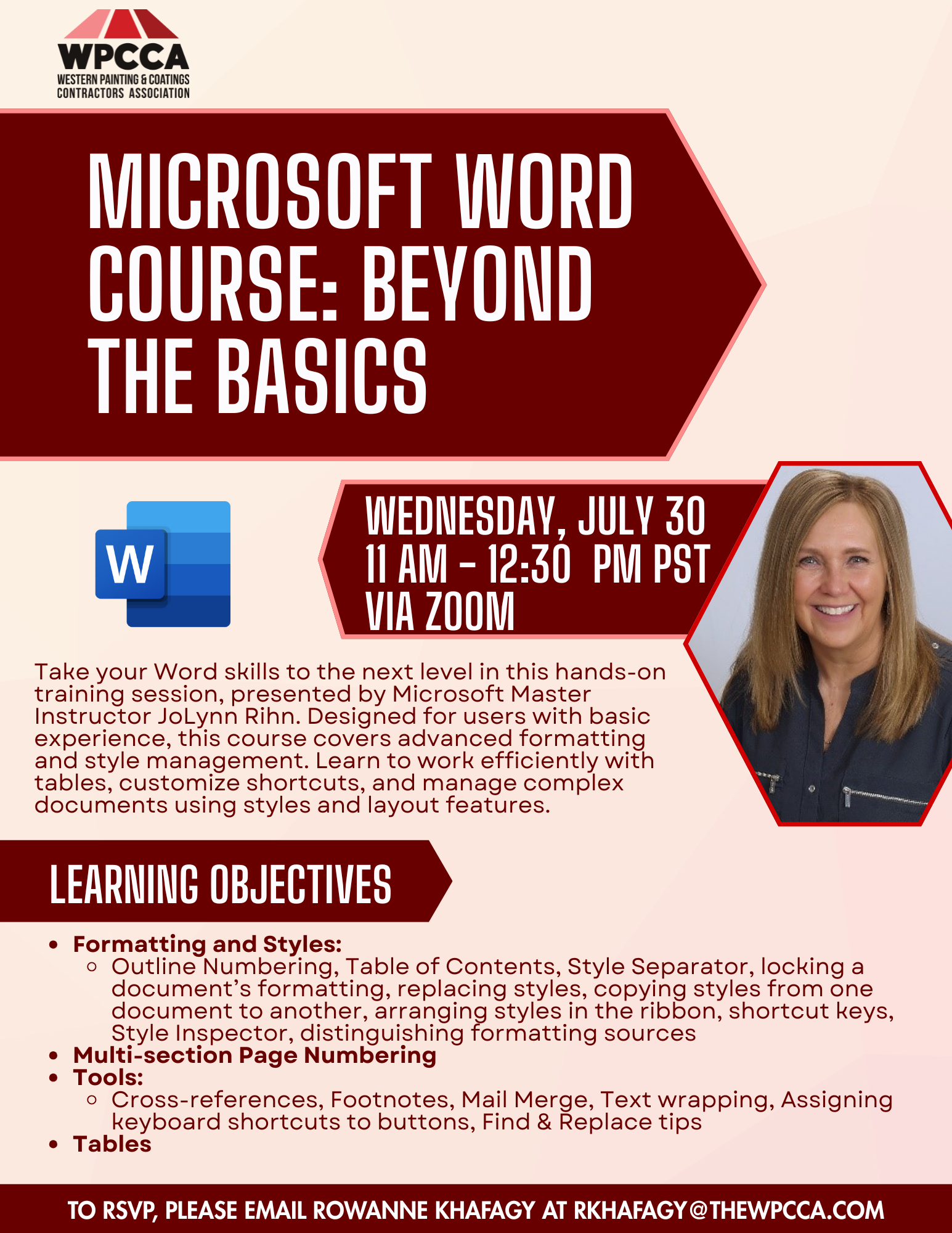
WPCCA Microsoft Word Course: Beyond the Basics

Take your Word skills to the next level in this hands-on training session, presented by Microsoft Master Instructor JoLynn Rihn. Designed for users with basic experience, this course covers advanced formatting and style management, multi-section page numbering, and tools like cross-references, footnotes, Mail Merge, text wrapping, and Find & Replace. Learn to work efficiently with tables, customize shortcuts, and manage complex documents using styles and layout features. Perfect for those ready to take their Word expertise to the next level.

Date: Wednesday, July 30, 2025
Time: 11:00am – 12:30pm
Location: via Zoom

Learning Objectives:

  • Formatting and Styles
  • More with styles (Outline Numbering, Table of Contents, Style Separator, locking a document’s formatting, replacing styles, copying styles from one document to another, arranging styles in the ribbon, shortcut keys, Style Inspector, distinguishing formatting sources)
  • Multi-section Page Numbering
  • Tools: Cross-references, footnotes, Mail Merge, text wrapping, assigning keyboard shortcuts to buttons, Find & Replace tips
  • Tables


Presenter: JoLynn Rihn

With over 30 years in professional development, JoLynn Rihn is a highly experienced Microsoft Master Instructor and Certified Trainer. As the Director of Learning at Virtual Training Co, she designs and delivers training in Microsoft applications, Project Management, and Adobe Acrobat. Her extensive expertise includes instructional design, project management, and software implementations. JoLynn has also served as an instructor at Century College and Western Technical College, and held roles in training coordination and management at ABC Computers and Kwik Trip, Inc.


Click Here to Download the Event Flyer.

RSVP Required. To RSVP, please email Rowanne Khafagy at rkhafagy@thewpcca.com.

Free for WPCCA Members*
$35 for Non-Members*

Recent Posts

2026 Employment Law Updates Webinar presented by Littler

Join Joy Rosenquist for an engaging and practical webinar examining the most significant employment law changes coming out of California’s 2025 legislative session. This year’s program highlights where employers are most at risk, including: New prohibitions on training repayment and…

February 2, 2026

WPCCA Intermediate Excel Course (2026 Series) – Lesson 3

Our annual Excel Training continues with a 3-session Intermediate series led by Microsoft Master Instructor Rob Mendell. Lesson 3 covers advanced filtering and data shaping with text and date functions (including newer TEXT functions), plus custom number formats, deeper conditional…

January 28, 2026

WPCCA Intermediate Excel Course (2026 Series) – Lesson 2

Our annual Excel Training continues with a 3-session Intermediate series led by Microsoft Master Instructor Rob Mendell. Lesson 2 focuses on lookup and analysis skills: reference functions (ROW/COLUMN, INDIRECT/OFFSET), lookups (VLOOKUP/HLOOKUP, INDEX/MATCH, XLOOKUP + IFERROR), plus tables, sheet-view tools (freeze/split/hide),…

January 28, 2026

WPCCA Intermediate Excel Course (2026 Series) – Lesson 1

Our annual Excel Training continues with a 3-session Intermediate series led by Microsoft Master Instructor Rob Mendell. Lesson 1 reviews the Basics (with Q&A) and moves into intermediate essentials: data tools (Subtotals, Remove Duplicates, Data Validation/dropdowns), logical formulas (AND/OR/NOT, IF/IFS,…

January 27, 2026

WPCCA Excel Basics Course (2026)

Join us for our annual Excel training with Microsoft Master Instructor Rob Mendell. Excel Basics covers essential formulas, efficient workbook setup, error troubleshooting, and time-saving features in a hands-on format—perfect for beginners and experienced users looking to sharpen their skills…

January 27, 2026
MORE STORIES