
Join us for our annual Excel training with Microsoft Master Instructor Rob Mendell. Excel Basics covers essential formulas, efficient workbook setup, error troubleshooting, and time-saving features in a hands-on format—perfect for beginners and experienced users looking to sharpen their skills and pick up new tips and tricks.
Date: Friday, March 6, 2026
Time: 11:00am – 1:o0pm PST
Location: Zoom
Program Outline:
- QAT (Quick Access Toolbar)
- Above/Below
- Add buttons
- Theory: What can go in an Excel cell / An approach to setting up workbooks
- Data
- Data Entry
- Label
- Formula
- Data
- Formula Bar
- FX button
- Checkmark
- X button
- Expand taller
- Formulas
- = + – * / ( )
- SUM
- AVERAGE
- Copying formulas
- Copy/Paste
- The Fill Handle
- Relative and Absolute and Mixed cell references
- Using MIN and MAX as thresholds
- Edit a formula (F2), Esc v. CTRL+Z – warning about Undo
- Formula Auditing
- Named Ranges
- Refer to a cell on another worksheet
- Refer to a cell in another workbook
- Show Formulas
- Create a running total
- Error messages
- #NAME?, #DIV/0!, etc.
- Circular references
- Flash Fill
- How to use Flash Fill
About Rob Mendell:
 Rob Mendell is an Independent Contractor and a Microsoft Certified Master Instructor for Microsoft Office, providing training and support for end-users. Rob also designs and develops bespoke software solutions inside Microsoft Office by programming in VBA (Visual Basic for Applications): macros, automation templates, and fully customized dialog boxes. Since 1993, He has trained and supported individuals and groups of all sizes, and developed a myriad of robust solutions in the world’s most ubiquitous business software: Microsoft Office. Rob has worked with NECA (National Electrical Contractors Association) and WC&C (Association of Wall-Ceiling & Carpentry Industries), government agencies, healthcare facilities, over 100 law firms, companies in a wide variety of businesses, and individuals.
Click Here to Download the Event Flyer.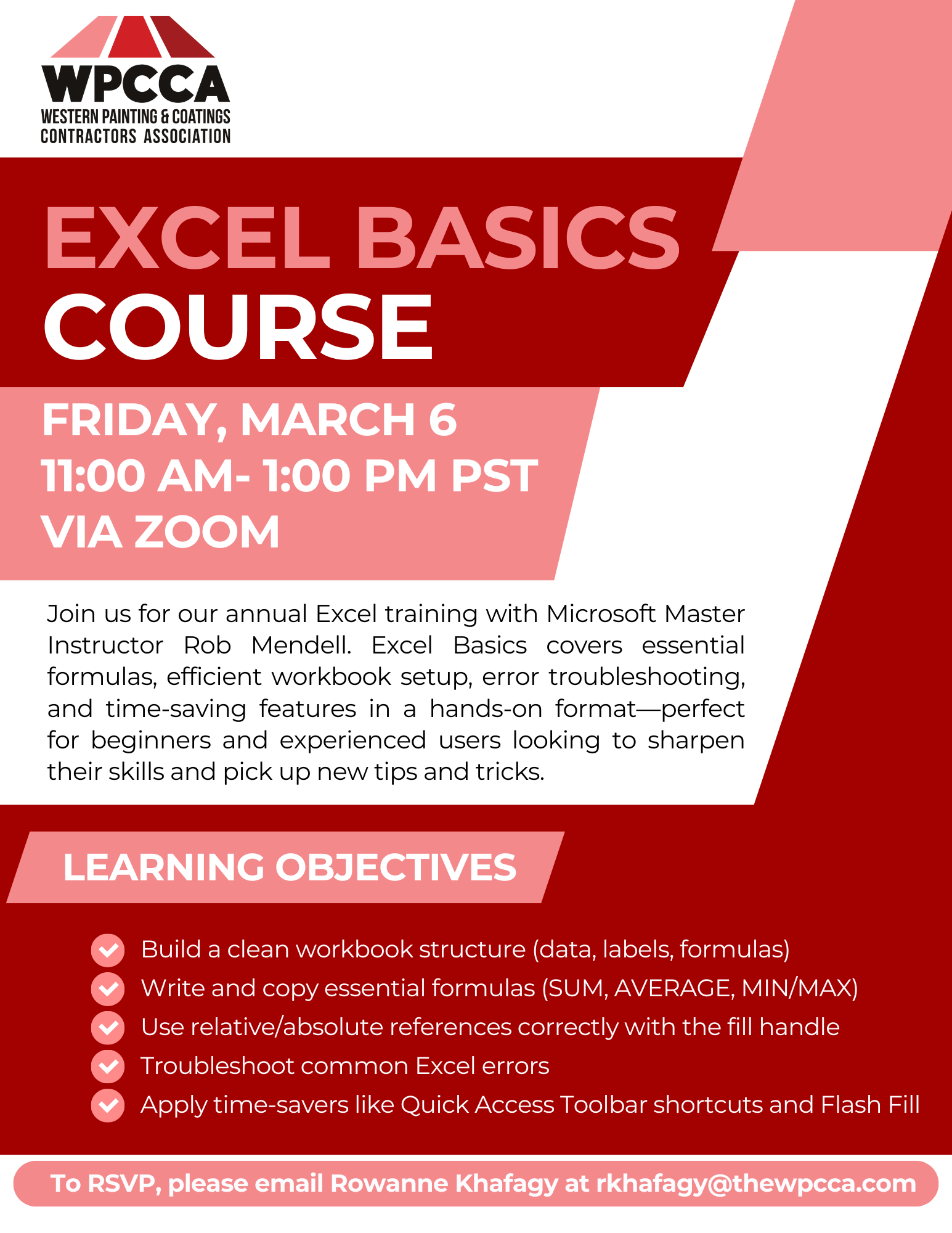
RSVP Required. To RSVP, please email Rowanne Khafagy at rkhafagy@thewpcca.com.
Free for WPCCA Members*
$35 for Non-Members*