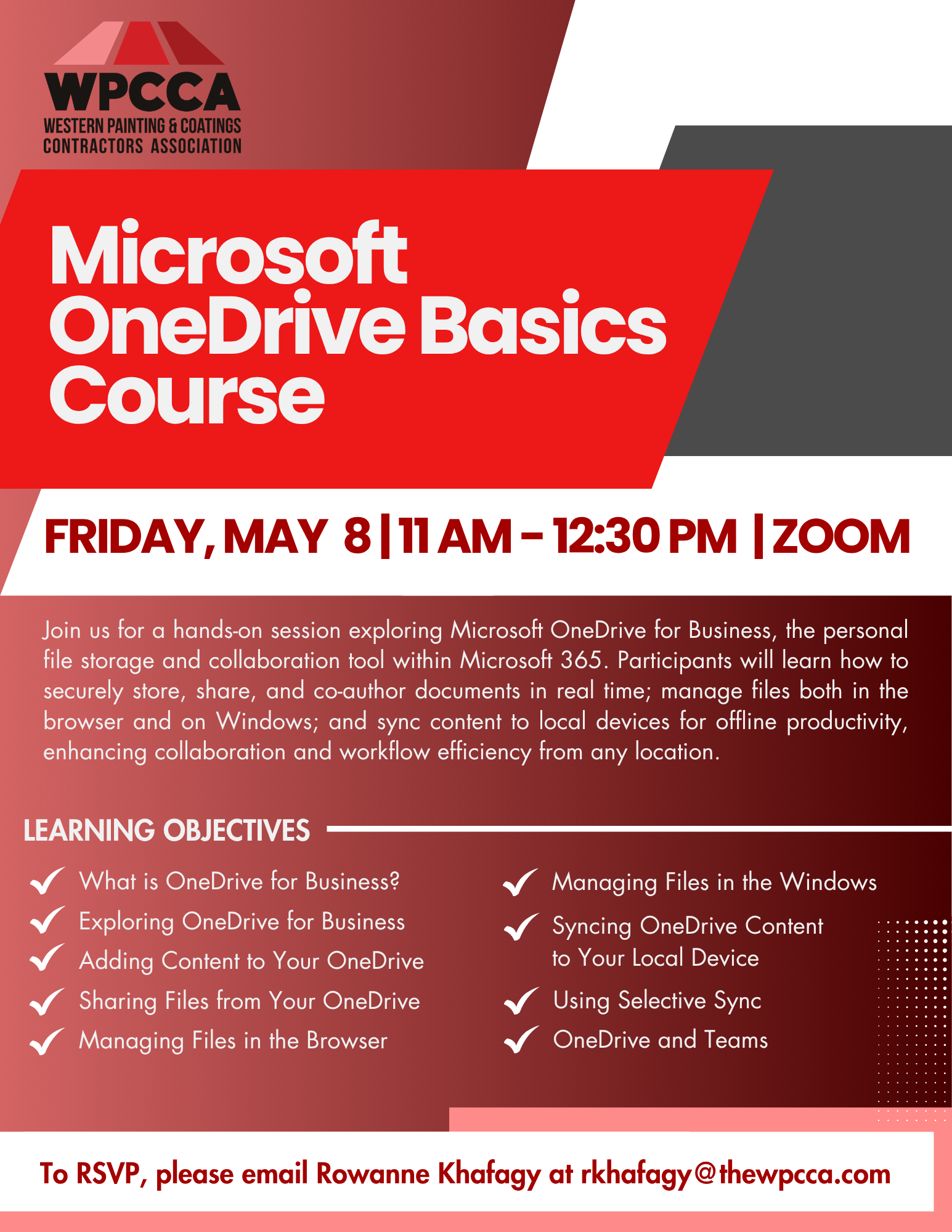
WPCCA OneDrive Basics Course

Join us for a hands-on session exploring Microsoft OneDrive for Business, the personal file storage and collaboration tool within Microsoft 365. Participants will learn how to securely store, share, and co-author documents in real time, manage files both in the browser and on Windows, and sync content to local devices for offline productivity. Key topics include adding and organizing content, sharing files with peers, using selective sync, and integrating OneDrive with Microsoft Teams to enhance collaboration and workflow efficiency from any location.


Date: Friday, May 8, 2026
Time: 11am – 12:30pm PST
Location: Zoom
Learning Objectives:

  • What is OneDrive for Business?
  • Exploring OneDrive for Business
  • Adding Content to Your OneDrive
  • Sharing Files from Your OneDrive
  • Managing Files in the Browser
  • Managing Files in the Windows
  • Syncing OneDrive Content to Your Local Device
  • Using Selective Sync
  • OneDrive and Teams


Click Here to Download the Event Flyer.

RSVP Required. To RSVP, please email Rowanne Khafagy at rkhafagy@thewpcca.com.

Free for WPCCA Members*
$35 for Non-Members*

Recent Posts

WPCCA Microsoft Teams Basics Course

Microsoft Teams is a chat-based collaboration tool that is part of the Office 365 suite of services. Teams enables local and co-workers to work together and collaborate through a common workspace, using features such as team chat, one-on-one chat, and…

April 8, 2026

WPCCA SharePoint Basics Course

Microsoft SharePoint is at the core of Microsoft 365 and provides a central location for accessing and modifying shared documents, collaborating on work, and hosting your organization’s news and resources. In this session, we will explore the two primary types…

April 8, 2026

WPCCA Microsoft 365 Basics Course: Intro to OneDrive & SharePoint

This session provides an introduction to Microsoft Office 365 as a cloud-based workspace, enabling seamless communication and collaboration from any location. Participants will learn to navigate the Microsoft 365 environment and gain an overview of the included applications. The session…

March 24, 2026

WPCCA AI Copilots & Agentic Workflows Workshop

Join AI consultant Stjepan Mikulic for this two-session workshop on bridging the gap between basic AI tools and advanced agentic workflows using practical AI copilots. Participants will learn to design and deploy contractor workflow–specific copilots for tasks such as contract…

March 18, 2026

WPCCA Microsoft Outlook Beyond the Basics (2026)

Join us for our Outlook training led by Microsoft Master Instructor JoLynn Rihn. This session begins with a brief review of Level 1 fundamentals before moving into advanced Level 2 tools and best practices. You will learn how to organize…

February 24, 2026
MORE STORIES