
WPCCA Microsoft Copilot for Excel & Outlook Course

Discover how Microsoft Copilot can help you work more efficiently in Excel and Outlook by automating routine tasks, uncovering insights, and improving communication. In this one-hour session, participants will learn how to use Copilot to analyze and format data, create visualizations, manage emails and calendars, perform powerful searches, and enhance professional writing. The course will also introduce Agent Mode in Excel and demonstrate practical ways Copilot can streamline everyday workflows and boost productivity.

Date: Wednesday, July 15, 2026
Time: 11am – 12pm PT
Location: Zoom

Learning Objectives

  • Extracting Insights in Excel
  • Formatting Data in Excel
  • Creating Visuals in Excel
  • Why use Copilot in Excel
  • Agent Mode in Excel
  • Streamlining Email Management with Copilot
  • Advanced Scheduling and Calendar Management
  • Powerful Search and Insight Capabilities
  • Enhanced Writing Assistance for Professional Communication
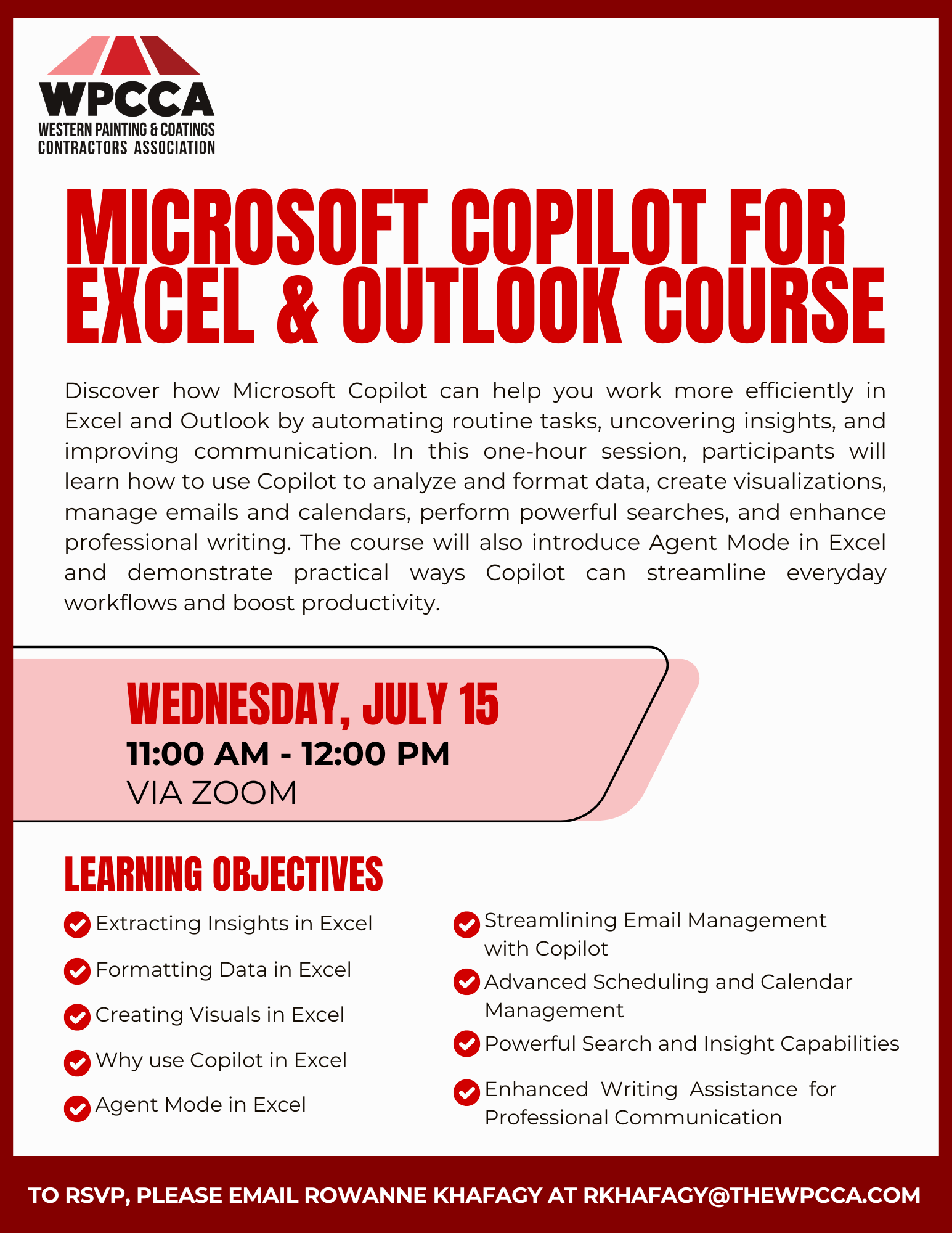
 

Click Here to Download the Event Flyer.

RSVP Required. To RSVP, please email Rowanne Khafagy at rkhafagy@thewpcca.com.

Free for WPCCA Members*
$35 for Non-Mem

Recent Posts

WPCCA PaintScout Software Demo

Join us for a live demo of PaintScout, the estimating and sales software built specifically for painting contractors. Learn how to create accurate, professional estimates in minutes—not hours—simplify your sales process, generate polished proposals, manage leads, and streamline your sales…

July 27, 2026

WPCCA AI Security & Governance Webinar

As AI moves from chat interfaces to agent-like systems that can draft, route, and connect into workflows, builders face a practical challenge: capturing real productivity gains without losing control of risk, data, and the project record. Join Nate Fuller, author…

July 16, 2026

WPCCA Microsoft Teams Basics Course

Microsoft Teams is a chat-based collaboration tool that is part of the Office 365 suite of services. Teams enables local and co-workers to work together and collaborate through a common workspace, using features such as team chat, one-on-one chat, and…

April 8, 2026

WPCCA SharePoint Basics Course

Microsoft SharePoint is at the core of Microsoft 365 and provides a central location for accessing and modifying shared documents, collaborating on work, and hosting your organization’s news and resources. In this session, we will explore the two primary types…

April 8, 2026

WPCCA OneDrive Basics Course

Join us for a hands-on session exploring Microsoft OneDrive for Business, the personal file storage and collaboration tool within Microsoft 365. Participants will learn how to securely store, share, and co-author documents in real time, manage files both in the…

March 24, 2026
MORE STORIES