
Our annual Excel Training continues with a 3-session Intermediate series led by Microsoft Master Instructor Rob Mendell. Lesson 1 reviews the Basics (with Q&A) and moves into intermediate essentials: data tools (Subtotals, Remove Duplicates, Data Validation/dropdowns), logical formulas (AND/OR/NOT, IF/IFS, SUMIF/SUMIFS), and productivity features like Conditional Formatting, sheet protection, and key count/round functions.
Date: Friday, March 13, 2026
Time: 11:00am – 1:00pm PST
Location: Zoom
Lesson 1 Outline:
- Review of previous material — Q&A
- Data Tools
- Subtotal
- Goal Seek
- Scenarios
- Remove Duplicates
- Data Validation
- Dropdown Lists
- Data Validation Circles
- Logical functions: OR, AND, NOT
- = as a TRUE/FALSE test
- OR
- AND
- NOT
- Nesting logical functions
- IF
- What IF does
- Syntax
- Write an IF statement
- Blank/Empty/Nil does not equal zero – How to handle empty cells
- Working with more complex conditions
- How to get more than two results (Nested IFs)
- IFS
- SUMIF / SUMIFS
- Protecting Cells
- Lock
- Hide
- Protect / Unprotect Sheet
- Conditional Formatting
- What is Conditional Formatting?
- Graphics
- Shading
- (Using Wingdings)
- What is Conditional Formatting?
- Count Functions
- COUNT
- COUNTA
- COUNTIF
- Round Functions
-
- ROUND
- ROUNDUP
- ROUNDDOWN
About Rob Mendell:
 Rob Mendell is an Independent Contractor and a Microsoft Certified Master Instructor for Microsoft Office, providing training and support for end-users. Rob also designs and develops bespoke software solutions inside Microsoft Office by programming in VBA (Visual Basic for Applications): macros, automation templates, and fully customized dialog boxes. Since 1993, He has trained and supported individuals and groups of all sizes, and developed a myriad of robust solutions in the world’s most ubiquitous business software: Microsoft Office. Rob has worked with NECA (National Electrical Contractors Association) and WC&C (Association of Wall-Ceiling & Carpentry Industries), government agencies, healthcare facilities, over 100 law firms, companies in a wide variety of businesses, and individuals.
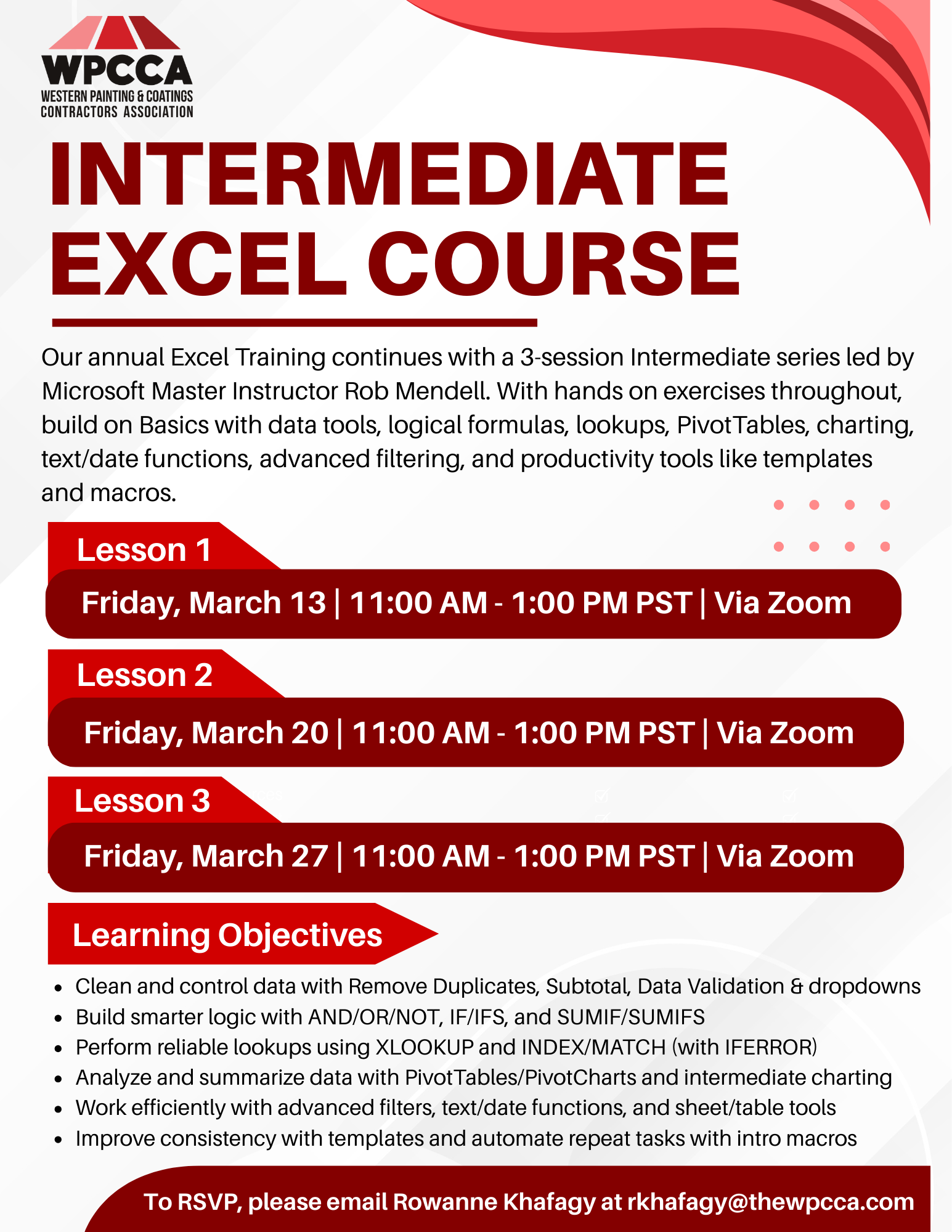 Click Here to Download the Event Flyer.
RSVP Required. To RSVP, please email Rowanne Khafagy at rkhafagy@thewpcca.com.
Free for WPCCA Members*
$35 for Non-Members*