
Date: Thursday, April 3, 2025
Time: 11:00am – 12:30pm
Location: via Zoom
Program Outline:
- A few Reference functions
- ROW
- COLUMN
- INDIRECT
- OFFSET
- Lookup functions
- VLOOKUP
- (IFERROR)
- HLOOKUP
- Also an example of inexact matching
- INDEX
- MATCH
- New: XLOOKUP
- Combine Lookup and Data Validation
- Off the grid
- Text Box
- Comments
- Insert Shape
- Insert Screenshot
- Use the grid
- Freeze
- Unfreeze
- Hide
- Unhide
- Split
- Work on more than one sheet at a time
- Tables
- Formulas are different in Tables
- Basic Charting
-
- Determine which chart you need
- Pie
- Line
- Column
- Sparkline
- Map
About Rob Mendell:
 Rob Mendell is an Independent Contractor and a Microsoft Certified Master Instructor for Microsoft Office, providing training and support for end-users. Rob also designs and develops bespoke software solutions inside Microsoft Office by programming in VBA (Visual Basic for Applications): macros, automation templates, and fully customized dialog boxes. Since 1993, He has trained and supported individuals and groups of all sizes, and developed a myriad of robust solutions in the world’s most ubiquitous business software: Microsoft Office. Rob has worked with NECA (National Electrical Contractors Association) and WC&C (Association of Wall-Ceiling & Carpentry Industries), government agencies, healthcare facilities, over 100 law firms, companies in a wide variety of businesses, and individuals.
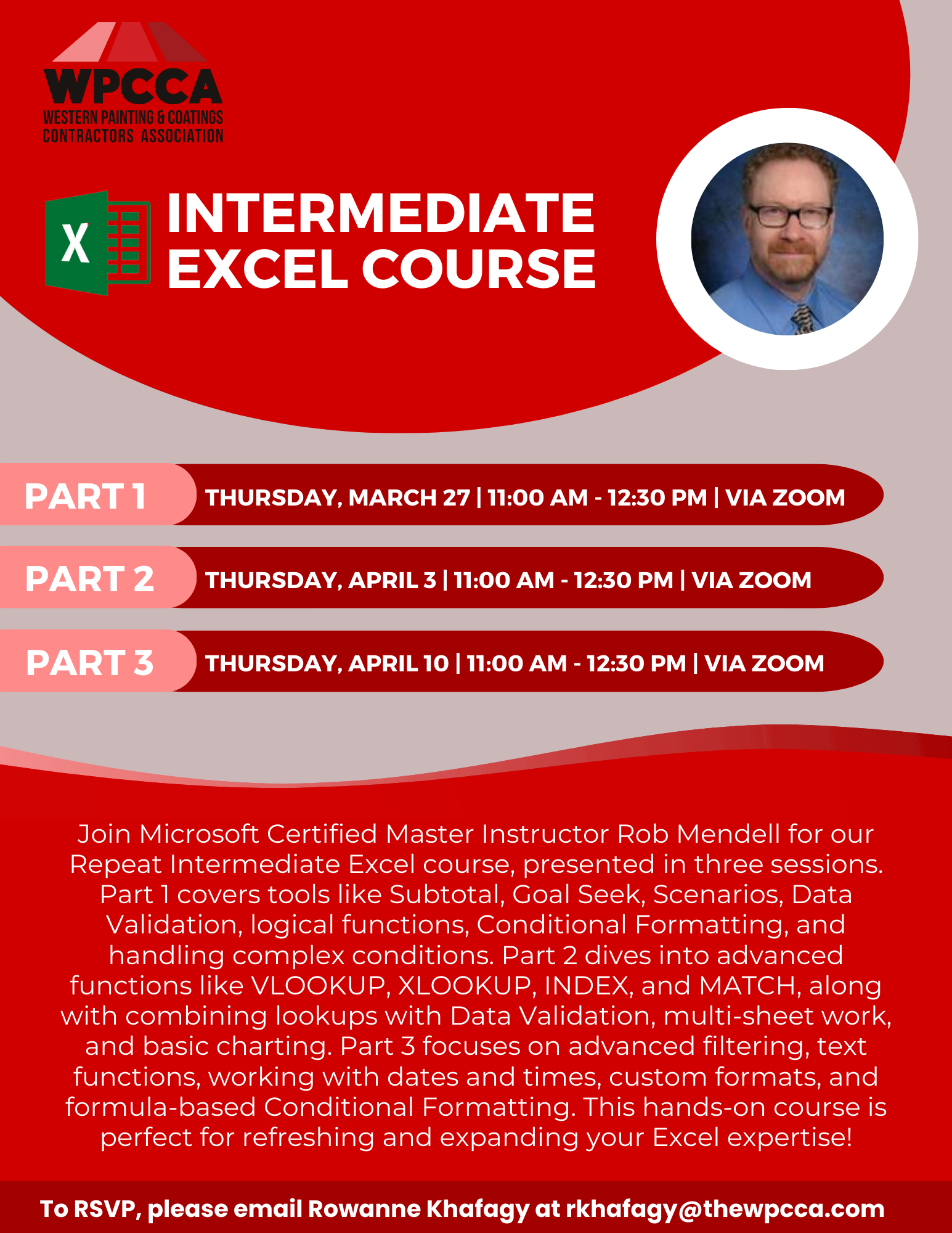 RSVP Required. To RSVP, please email Rowanne Khafagy at rkhafagy@thewpcca.com.
Free for WPCCA Members*
$35 for Non-Members*