
Join us for part 4 of our Intermediate Excel Course taught by Microsoft Certified Master Instructor, Rob Mendell. In this session, attendees will explore Dates, Times, master Custom Cell Formats, and delve into more Conditional Formatting. They will learn to select filtered rows with ease using Go To Special, and unlock the power of PivotTables for dynamic data analysis and visulaization.
Date: Wednesday, July 31, 2024
Time: 11:00am – 12:30pm
Location: via Zoom
Program Outline:
- Dates and Times
- TODAY, NOW
- How Excel stores dates
- Formatting dates
- Functions: YEAR, MONTH, WEEKDAY, (others?)
- Math with dates
- Making a Last Day of Month series
- Custom and Special Cell Formats
- Show leading zeros, enter telephone and social security numbers, red negatives, etc.
- More with Conditional Formatting
- Format other cells based on formula results
- Go To Special
- How to select filtered rows
- PivotTables
- What is a PivotTable
- Is your data ready?
- Pivot
- Update
- Change Data Source
- Filter
- Display options
- Total options
- Slicer
- PivotChart
- Intro to Dashboards
About Rob Mendell:
 Rob Mendell is an Independent Contractor and a Microsoft Certified Master Instructor for Microsoft Office, providing training and support for end-users. Rob also designs and develops bespoke software solutions inside Microsoft Office by programming in VBA (Visual Basic for Applications): macros, automation templates, and fully customized dialog boxes. Since 1993, He has trained and supported individuals and groups of all sizes, and developed a myriad of robust solutions in the world’s most ubiquitous business software: Microsoft Office. Rob has worked with NECA (National Electrical Contractors Association) and WC&C (Association of Wall-Ceiling & Carpentry Industries), government agencies, healthcare facilities, over 100 law firms, companies in a wide variety of businesses, and individuals.
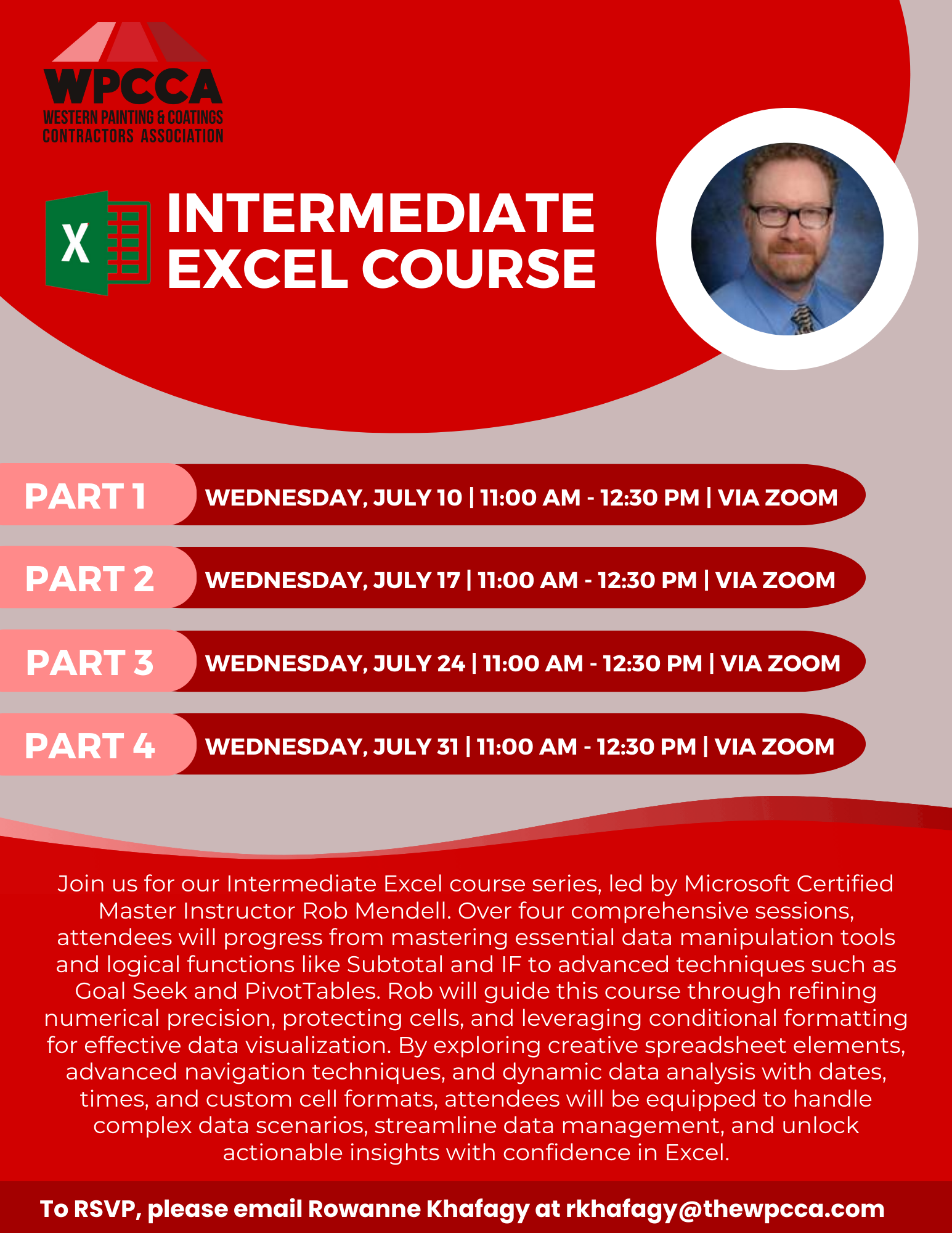 Click Here to Download the Event Flyer.
RSVP Required. To RSVP, please email Rowanne Khafagy at rkhafagy@thewpcca.com.
Free for WPCCA Members*
$35 for Non-Members*