WPCCA Microsoft Outlook Beyond the Basics (2026)

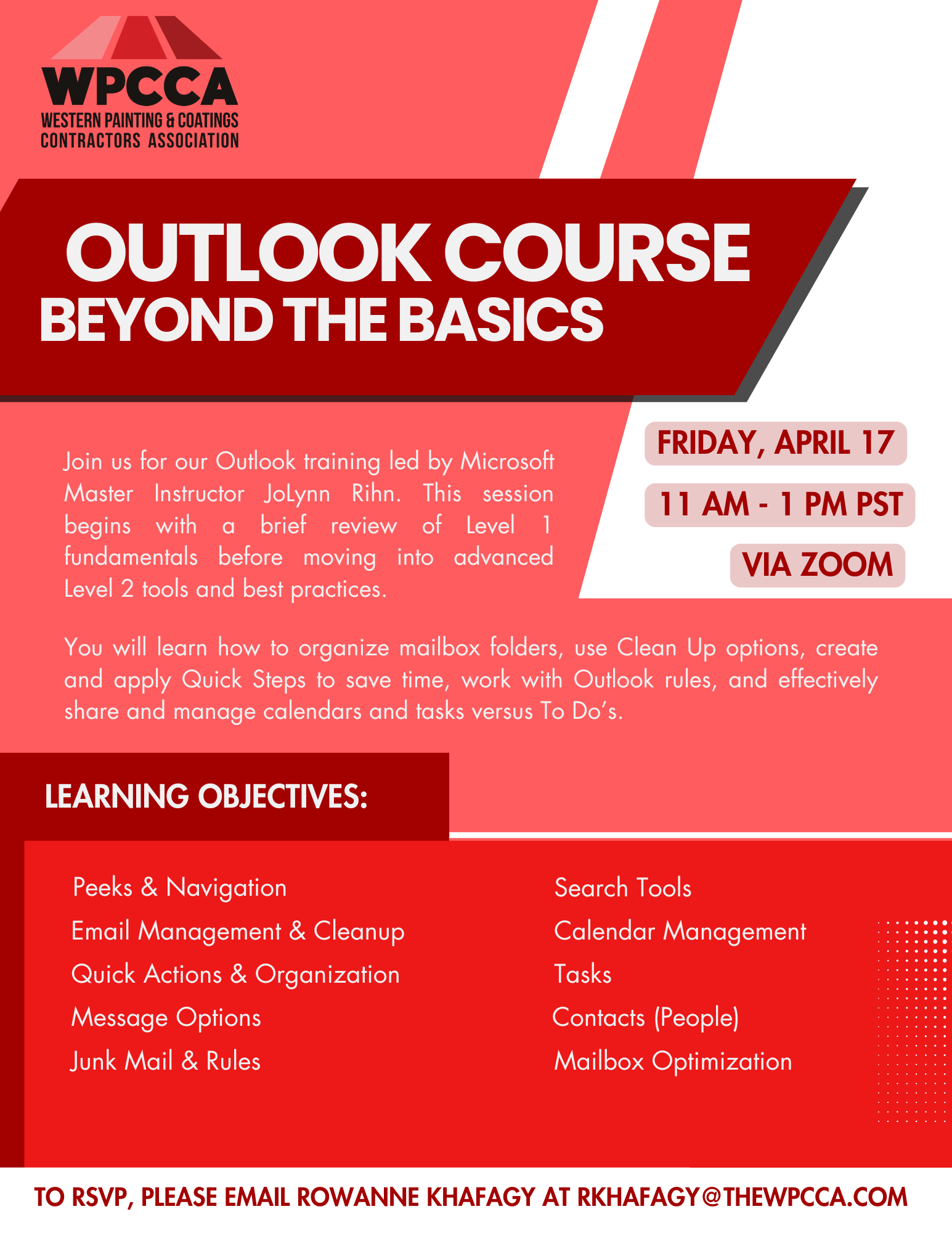
Join us for our Outlook training led by Microsoft Master Instructor JoLynn Rihn. This session begins with a brief review of Level 1 fundamentals before moving into advanced Level 2 tools and best practices. You will learn how to organize mailbox folders, use Clean Up options, create and apply Quick Steps to save time, work with Outlook rules, and effectively share and manage calendars and tasks versus To Do’s.


Date: Friday, April 17, 2026
Time: 11am – 1pm PST
Location: Zoom
Program Outline:

  • Peeks & Navigation
    • Manage and dock Peeks
  • Email Management & Cleanup
    • Ignore conversations
    • Conversation Clean Up
    • Deleted Items management
    • Flagging messages
  • Quick Actions & Organization
    • Quick Steps
    • Quick Parts
    • Categories
  • Message Options
    • Delivery and delay options
    • Tracking and voting buttons
    • Sensitivity settings
    • Recall a message
  • Junk Mail & Rules
    • Junk folder and Safe Senders
    • Create and manage rules
  • Search Tools
    • Search tools and folders
    • Custom search folders
  • Calendar Management
    • Multiple calendars and overlays
    • Schedule and manage meetings
    • Share calendars and set permissions
    • Time zones, holidays, and calendar settings
  • Tasks
    • Create, assign, share, and track tasks
    • Sorting and task views
  • Contacts (People)
    • Contact groups
    • Business cards
    • Importing and managing contacts
  • Mailbox Optimization
    • Tips for reducing mailbox size
 

Click Here to Download the Event Flyer.

Recent Posts

WPCCA Microsoft Teams Basics Course

Microsoft Teams is a chat-based collaboration tool that is part of the Office 365 suite of services. Teams enables local and co-workers to work together and collaborate through a common workspace, using features such as team chat, one-on-one chat, and…

April 8, 2026

WPCCA SharePoint Basics Course

Microsoft SharePoint is at the core of Microsoft 365 and provides a central location for accessing and modifying shared documents, collaborating on work, and hosting your organization’s news and resources. In this session, we will explore the two primary types…

April 8, 2026

WPCCA OneDrive Basics Course

Join us for a hands-on session exploring Microsoft OneDrive for Business, the personal file storage and collaboration tool within Microsoft 365. Participants will learn how to securely store, share, and co-author documents in real time, manage files both in the…

March 24, 2026

WPCCA Microsoft 365 Basics Course: Intro to OneDrive & SharePoint

This session provides an introduction to Microsoft Office 365 as a cloud-based workspace, enabling seamless communication and collaboration from any location. Participants will learn to navigate the Microsoft 365 environment and gain an overview of the included applications. The session…

March 24, 2026

WPCCA AI Copilots & Agentic Workflows Workshop

Join AI consultant Stjepan Mikulic for this two-session workshop on bridging the gap between basic AI tools and advanced agentic workflows using practical AI copilots. Participants will learn to design and deploy contractor workflow–specific copilots for tasks such as contract…

March 18, 2026
MORE STORIES