
Join us for part 2 of our Microsoft Outlook Level 2 Course. In this session, Microsoft Master Instructor, JoLynn Rihn, will cover organization techniques such as categorizing items and managing junk mail effectively. Participants will have the opportunity to hone their search skills for efficient information retrieval. Furthermore, the session will cover calendar mastery, scheduling efficiency, task management, contact optimization, and mailbox size optimization to ensure participants can maximize their productivity and efficiency within Outlook.
Date: Tuesday, June 18, 2024
Time: 11:00am – 12:30pm PST
Location: Via Zoom
Program Outline:
- Outlook Rules
• Create a rule using the Rules Wizard - Searching in Outlook
• Search Tools
• Search Folders
• Search Tools
• Custom Search Folder - Outlook Calendar
- Peeks
• Manage Peeks
• Dock the Peek - View Multiple Dates
- Copy Appointments
- Create and Manage Additional Calendars
- Group Calendars
• Using Overlay Mode in Calendars - Schedule View
- Scheduling Appointments, Events or Meetings
• Invite Attendees
• Respond to a Meeting Request
• Propose a New Time
• Track Meetings - Share Your Calendar
• Granting Permissions
• Open Someone Else’s Calendars - Working with Calendar Settings
• Add Holidays
• View two time zones in the Week view
• Modify Calendar Time Scale - Working with Outlook Tasks
• Create New Task Folders
• Sharing a Task Folder
• Reoccurring Tasks
• Assign Tasks to Others
• Track tasks you’ve assigned to someone else
• Task Details Page
• Working with Columns
• Sorting
• Advanced Sort
• Field Chooser
• Resize Columns - Outlook People (Contacts)
- Contact Groups
• Edit a Contact Group
• Delete a Contact Group - Contact Details Page
- Electronic Business Cards
• Create a Business Card
• Save a Business Card you Receive
• Send Business Cards - Importing Contacts
- Contact Settings
- Tips for Managing Mailbox Size
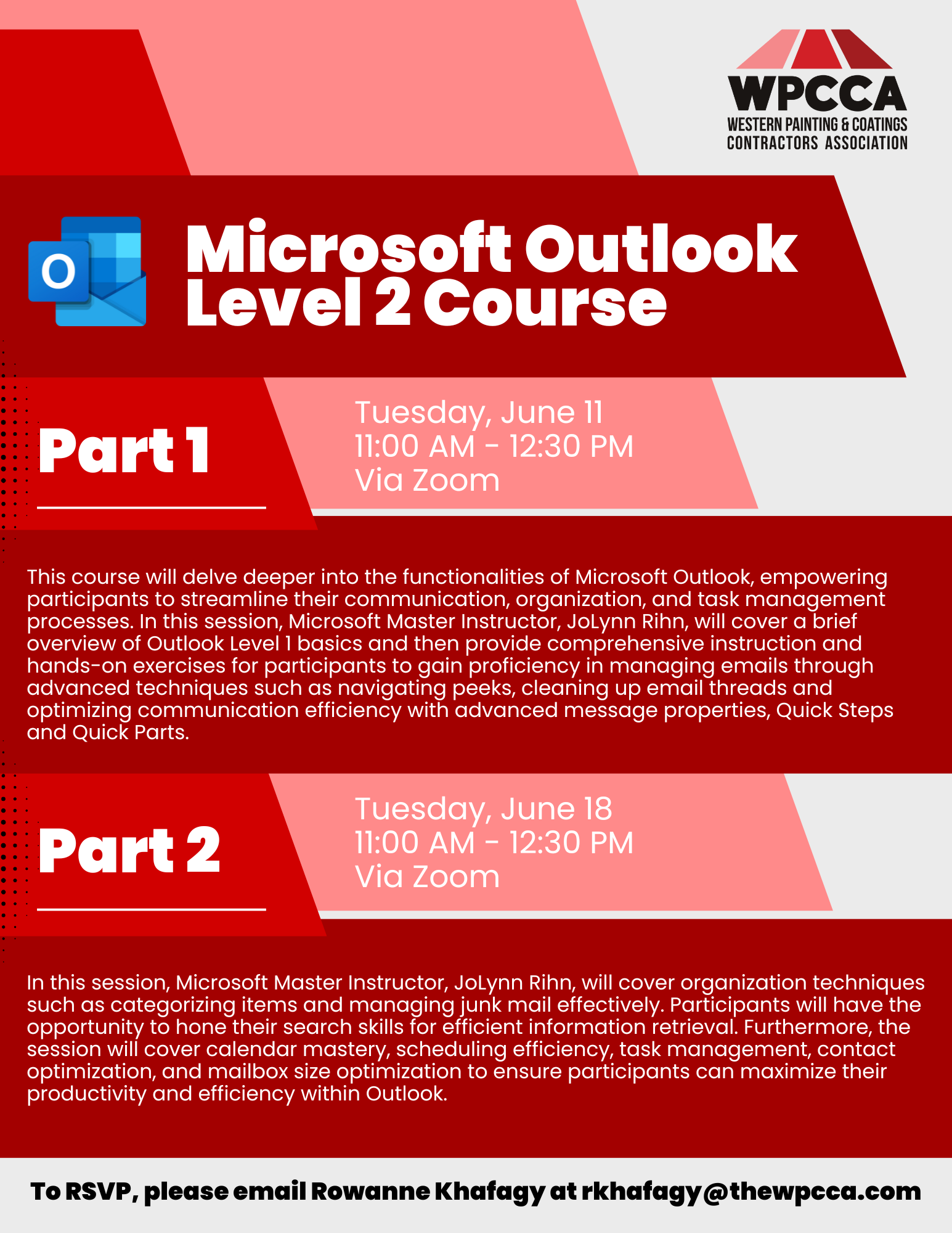
Click Here to Download the Event Flyer.
RSVP Required. To RSVP, please email Rowanne Khafagy at rkhafagy@thewpcca.com.
Free for WPCCA Members*
$35 for Non-Members*