
 Join us for our first lesson of Microsoft Project Level 1 Course taught by Microsoft Certified Professional, James Law. This lesson will provide training on getting started with Microsoft Project. Attendees will learn how to identify project management concepts from definitions, and project management processes to project constraints and roles. This lesson will also cover navigating the MS Project desktop environment including project editions, views, timescales, tables, fields, and more.
Date: Friday, April 26, 2024
Time: 11:00am – 12:30pm PST
Location: Via Zoom
Program Outline:
- Getting Started with Microsoft Project
Topic A: Identify Project Management Concepts
1) Definitions
2) Project Management Process
3) Project Constraints
4) Project Roles
5) Activity/Quiz
Topic B: Navigate in the Microsoft Project Desktop Environment
1) Project Editions
2) Start Screen
3) Project Views
4) Timescales
5) Tables
6) Fields
7) Quick Access Toolbar
8) Ribbon
8.1) Contextual Tabs
8.2) Tell Me
8.3) Backstage View
9) Status Bar
10) Activity
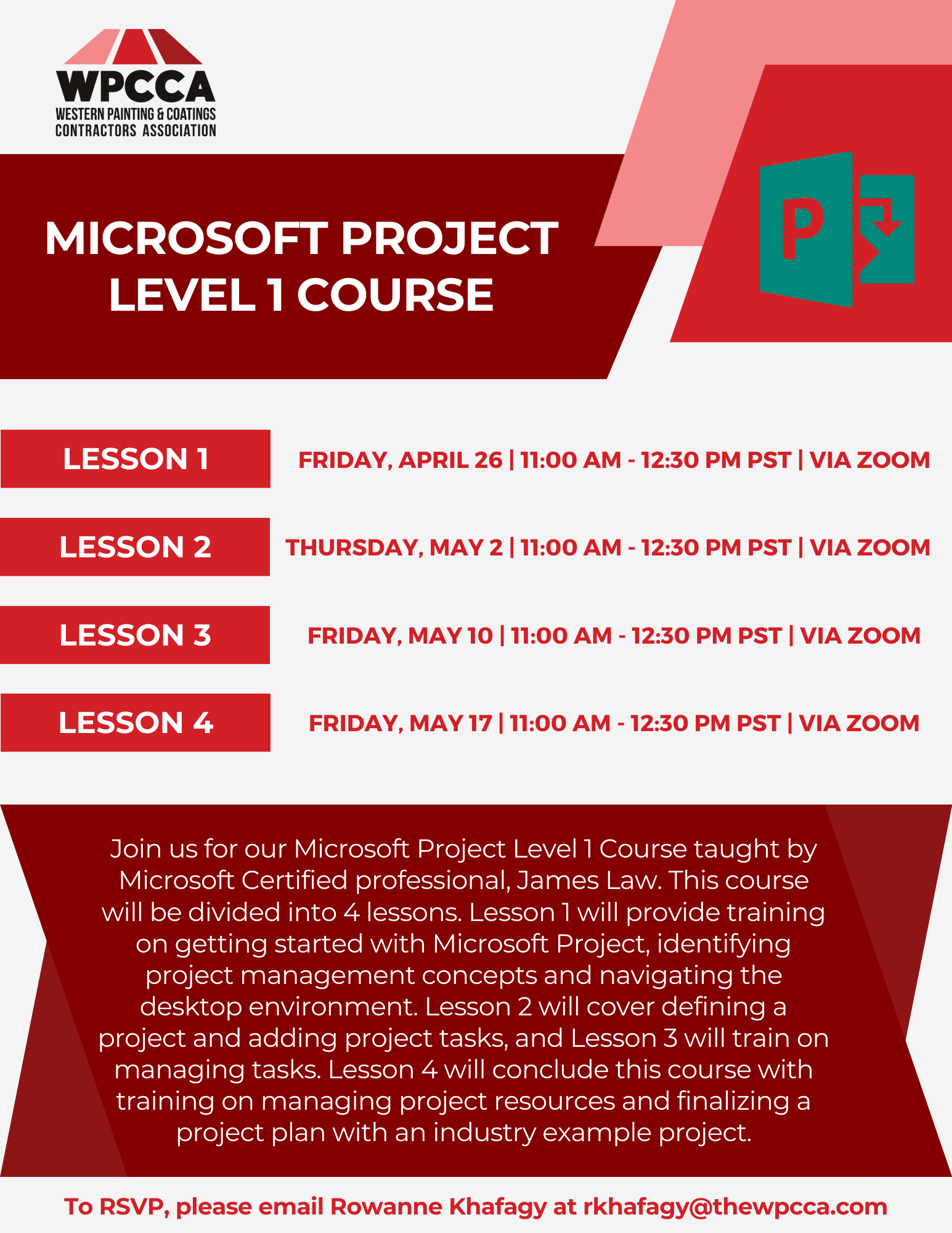 Click Here to Download the Event Flyer.
RSVP Required. To RSVP, please email Rowanne Khafagy at rkhafagy@thewpcca.com.
Free for WPCCA Members*
$35 for Non-Members*