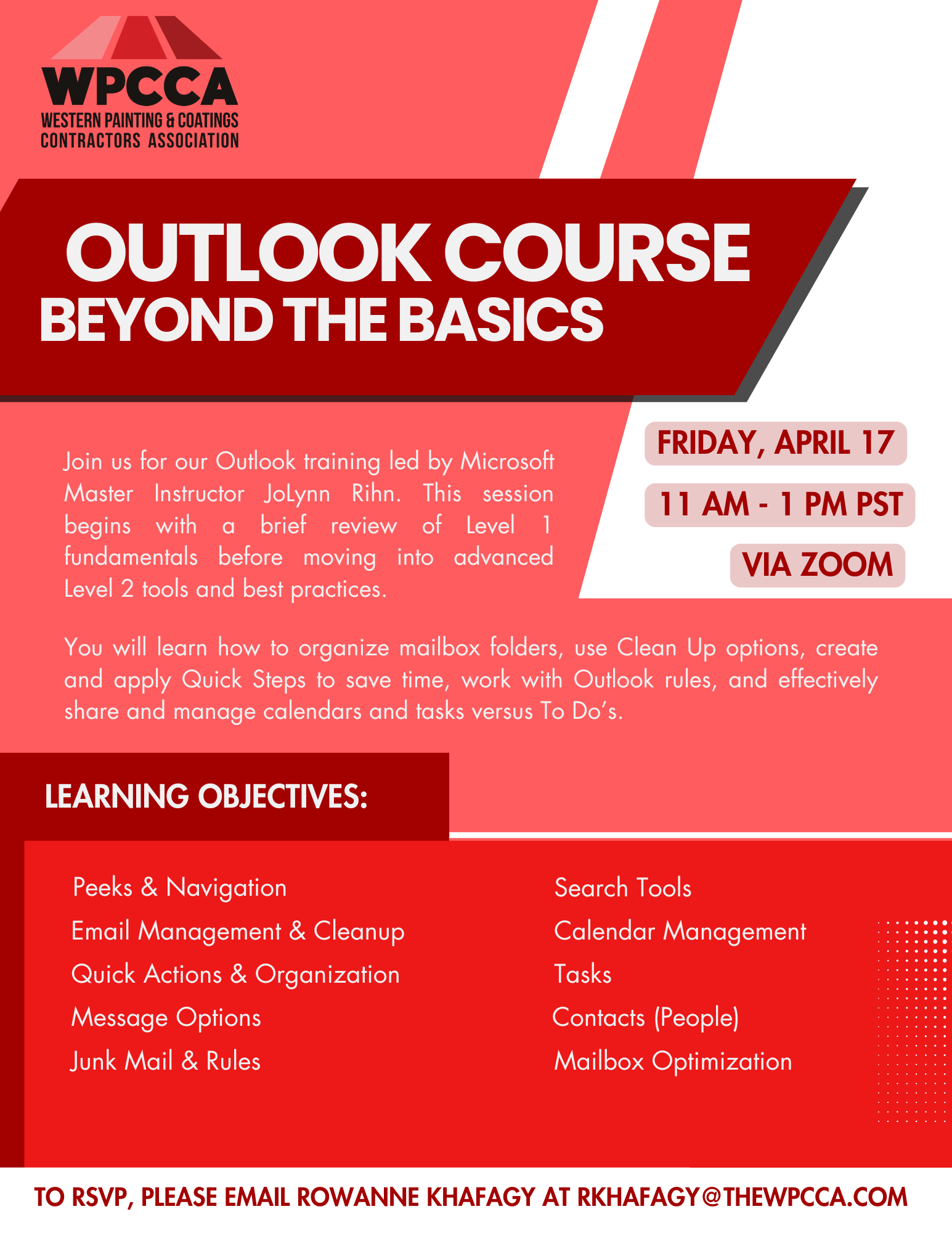
Join us for our Outlook training led by Microsoft Master Instructor JoLynn Rihn. This session begins with a brief review of Level 1 fundamentals before moving into advanced Level 2 tools and best practices. You will learn how to organize mailbox folders, use Clean Up options, create and apply Quick Steps to save time, work with Outlook rules, and effectively share and manage calendars and tasks versus To Do’s.
Date: Friday, April 17, 2026
Time: 11am – 1pm PST
Location: Zoom
Program Outline:
- Peeks & Navigation
• Manage and dock Peeks - Email Management & Cleanup
• Ignore conversations
• Conversation Clean Up
• Deleted Items management
• Flagging messages - Quick Actions & Organization
• Quick Steps
• Quick Parts
• Categories - Message Options
• Delivery and delay options
• Tracking and voting buttons
• Sensitivity settings
• Recall a message - Junk Mail & Rules
• Junk folder and Safe Senders
• Create and manage rules - Search Tools
• Search tools and folders
• Custom search folders - Calendar Management
• Multiple calendars and overlays
• Schedule and manage meetings
• Share calendars and set permissions
• Time zones, holidays, and calendar settings - Tasks
• Create, assign, share, and track tasks
• Sorting and task views - Contacts (People)
• Contact groups
• Business cards
• Importing and managing contacts - Mailbox Optimization
• Tips for reducing mailbox size
 Click Here to Download the Event Flyer.
RSVP Required. To RSVP, please email Rowanne Khafagy at rkhafagy@thewpcca.com.
Free for WPCCA Members*
$35 for Non-Members*