
Join us for a live webinar with Microsoft Certified Trainer, Tom Fragale, and learn how to use ChatGPT for Excel, a powerful tool that can help you automate tasks, analyze data, and create reports in Excel. Attendees will explore the features and capabilities of ChatGPT for Excel, including how to log in, create and manipulate Excel data, get step-by-step instructions, upload files, generate charts, and more.
Date: Tuesday, June 24, 2025
Time: 11:00am – 12:30pm
Location: via Zoom
Program Outline:
- Logging in to ChatGPT
- Using ChatGPT to create Excel data
- Using ChatGPT to give you step-by-step instructions
- Asking ChatGPT for specific tasks
- Copying and pasting data to ChatGPT
- Uploading an Excel into ChatGPT
- Asking ChatGPT to send a file back
- Asking ChatGPT to produce a chart
About Tom Fragale:
 Tom Fragale is a Microsoft Certified Trainer and a Wiley-published authoer with over 40 years of experience in IT and 25 years dedicated to training who has trained more than 50,000 business professionals. Known for making complex technology concepts easy to understand, Tom specializes in software training for tools such as Excel, PowerPoint, Access, Power BI, Outlook, SQL Server, Teams, SharePoint, ChatGPT, and more. In addition to offering virtual and on-site sessions globally, Tom has authored books on Microsoft Access and Excel PivotTables and has taught at institutions including Fordham University. Their mission is to empower individuals and teams to use technology more efficiently and confidently.
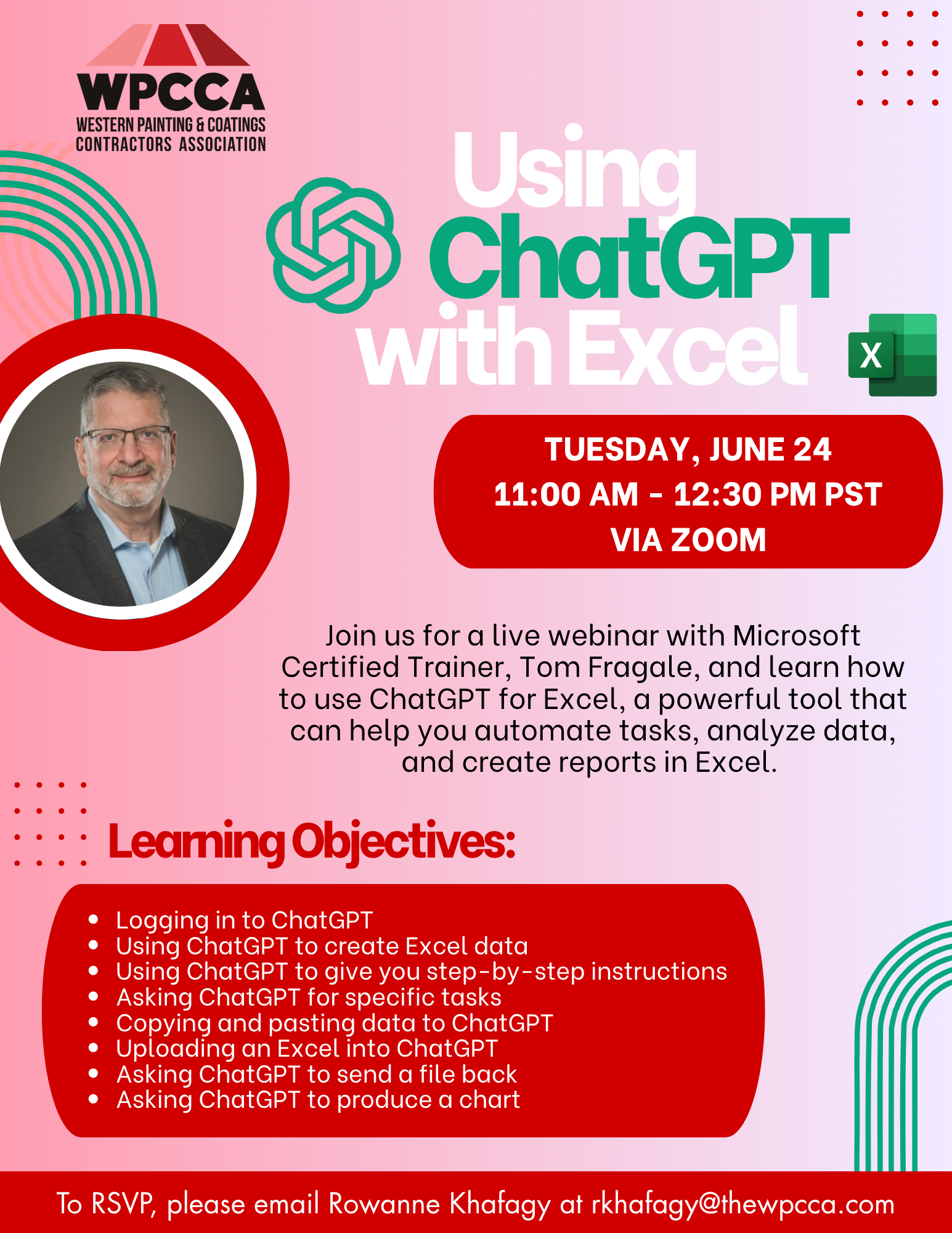 Click Here to Download the Event Flyer.
RSVP Required. To RSVP, please email Rowanne Khafagy at rkhafagy@thewpcca.com.
Free for WPCCA Members*
$35 for Non-Members*